
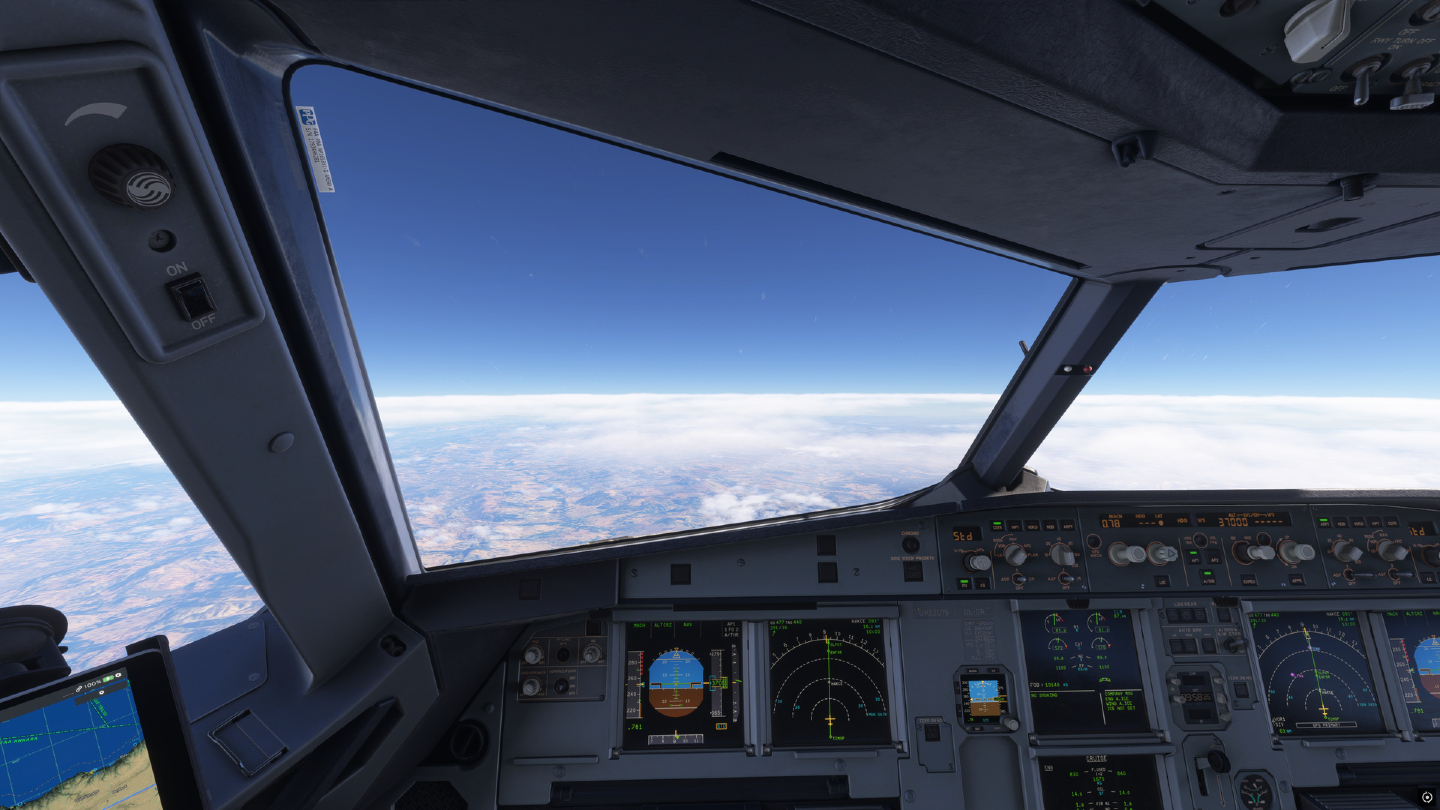
Open the Fenix A320 encyclopaedia and official V3 chapters →
Fenix V3 · The pilot briefing
Released 21 October 2026 · Editorial review 30 October 2026 · Flight Briefing / Aircraft
For our A320-214 rotations, the useful question is what deserves a fresh look before the next sector. This briefing brings the developer’s changes, essential setup and our company resources into one place. Use the links for the complete technical documentation.
PLATFORM
MSFS 2020 & 2024
V3 covers the Fenix CEO family. Use the Fenix Installer for your installed product and check its offered build.
OUR VA CONNECTION
A320-214 · Mainline & Express
This is the CEO aircraft in our verified fleet. The A320neo remains a separate Fenix development programme.
YOUR NEXT SECTOR
Brief the aircraft again.
Allow time to check settings, hardware, company documents and a familiar rotation before a busy online flight.
Sources: Fenix product status ↗
What changes in V3
01 / GUIDANCE
VNAV & FMGS
Reworked descent paths, deceleration, constraints, holds and lateral navigation.
02 / HANDFLYING
Flight model & FBW
Revised inertia, rotation, flare and ground effect; retuned flight controls, flight director and autopilot.
03 / SYSTEMS
ECAM & FWC
Rebuilt warning logic, memos, timing and aural behaviour.
04 / ENGINES
FADEC
More detailed CFM56/IAE start, FLEX and engine-control behaviour.
05 / ON THE GROUND
Taxi & braking
New hybrid ground handling with revised friction and low-speed control.
06 / CABIN
CIDS & FAP
A deeper cabin-system simulation, enhanced cabin panel and Virtual Purser.
07 / FLIGHT BAG
EFB & QRH
Searchable settings and procedures, interactive checklists and custom documents.
08 / IMMERSION
Art, sound & ANC
Updated cockpit/cabin details, spatial audio and headset-controlled noise cancellation.
Sources: V3 release & full changelog ↗
Before your next departure
- Update and identify. Use the official Installer; record the build when reporting an issue.
- Check your add-ons. If something behaves unexpectedly, isolate aircraft mods before troubleshooting. Fenix warns that V3 can break existing mods.
- Prepare your data. Compare the active database dates with your OFP and charts before programming the route.
- Keep a familiar test sector. Our suggested VA check is to confirm controls, loading, cabin audio and the EFB on a familiar rotation. This is a preparation suggestion, not a certification test.
Compatibility note from the release
Fenix flags an MSFS 2024 SU7 drag-model issue with uncertain scope. Check subsequent simulator and Fenix release notes; this article is not a local performance test.
Sources: V3 release & full changelog ↗ · Fenix product status ↗
Navdata · ACTIVE is the one that counts
In V3, connect Navigraph in EFB Settings → Connections, then use MCDU → DATA → A/C STATUS. Online updates need an active subscription. Downloads and imports first enter STANDBY; the FMS uses ACTIVE.
DISABLED
Update when you choose.
Use CHECK to download into STANDBY; activate separately.
HOT STANDBY
Download automatically.
STANDBY updates automatically; activation remains a separate step.
AUTOMATIC
Download and activate.
Activation occurs only when the required aircraft conditions permit.
MANUAL IMPORT
Use a local database.
Select a compatible DFD v2 file through IMPORT; this mode does not require Navigraph sign-in.
Activate before programming the next flight.
The aircraft must be on the ground, in preflight or after flight completion, with no update in progress and the cycle already effective. Activation resets the FMS and moves the former ACTIVE database to STANDBY.
AIRAC 2611 became effective on 29 October 2026. The calendar date alone does not confirm the cycle installed in your aircraft.
Sources: Fenix navdata guide ↗ · EUROCONTROL AIRAC calendar ↗
Cabin · Meet your Virtual Purser
Virtual Purser handles cabin announcements, calls, door arming, lavatory locks and readiness checks. Passenger numbers affect how long checks take. A cabin call can expedite the sequence; it no longer instantly sets CABIN READY.
BEFORE TAKE-OFF / LANDING
Give the cabin time.
Expect the readiness sequence to finish. Review the Cabin settings in the EFB if you want cabin-ready calls.
NIGHT OPERATIONS
Know the lighting logic.
The documented default is DIM 2 for night take-off/landing and DIM 1 in cruise. Cabin service can bring the lights back to bright.
INTERPHONE
Listen on the right channel.
For a crew call, pull the CAB knob, set its volume and select ATT. PA is the passenger-announcement channel.
Sources: Virtual Purser developer guide ↗
Airline Packs · Make it feel like our company
Packs can supply cabin audio, boarding music, EFB wallpaper and an FAP screensaver. Use a dedicated Community add-on folder with AirlinePacks/UZB, and ensure the callsign or livery airline code matches UZB. A folder name alone is not enough when the flight’s airline code differs.
Fenix documents backward compatibility for legacy announcement packs. Our downloadable MP3 collection is a media resource: it is not automatically a ready-installed V3 Airline Pack. For automated playback, use the documented pack structure, OGG assets and correct event names.
If cabin audio is missing, check Fenix.GqlGateway in the Windows volume mixer. In the cockpit, listen to PA; also check the setting that mutes cabin audio when the simulator loses focus. A cabin-ready call also requires its corresponding announcement in the active pack.
Our cabin collection →Our EFB wallpapers →
Sources: Airline Packs installation & audio guide ↗ · Virtual Purser developer guide ↗
EFB · A flight bag that belongs to the VA
The Documents app accepts Markdown and PDF in C:\ProgramData\Fenix\EFB\Documents, including subfolders. Fenix’s Markdown extensions add interactive checklists, collapsible sections and aircraft-specific content. Local images can be included; internet images are not displayed in these documents.
Our company connection
UZB Ops includes a company document bridge. In UZB Ops choose Fenix EFB → Enable EFB briefing; in the aircraft open Documents → My Documents → UZB_Ops. Start with 00 Crew Centre and check the document timestamps. Setup and the current beta scope are maintained in Uzbekistan Specifics.
Explore UZB Ops & the company flight bag →
Sources: Custom EFB documents guide ↗
Ground services & audio · Two checks worth making
GSX / LOADING
Keep loading under control.
Fenix’s integration guide recommends disabling GSX’s Always refuel progressively, Detect custom aircraft system refueling and Assistance services Auto Mode. Set planned loading in the Fenix EFB and review the integration options. The linked guide predates V3; compare older workflow limitations with the current aircraft release notes.
MSFS 2024 / SOUND
Start with the right output.
The dedicated MSFS 2024 guide recommends selecting the actual output device, matching listening mode to the hardware, disabling Loudness Limiter and Headphone Simulation, and using a flat Windows audio setup. The cockpit ANC headset is a separate aircraft feature.
Sources: MSFS 2024 sound setup guide ↗
Put it into your next VA sector
Our A320-214 appears in mainline and Express operations. Select the aircraft offered by your booking, then use the scenery directory and hub briefing for that sector. A software release does not validate a particular scenery, gate profile or procedure in your installation.
For Tashkent, keep the VA booking identifier and read our documented UZTT/UTTT compatibility notice. Confirm the airport, runway and procedure shown by each tool before departure. The company notice remains the reference for our local setup.
Tashkent compatibility notice →Our hub briefings →Choose scenery for your sector →
This is a sourced release briefing. The cover and linked VA flight are archive material; neither is presented as a V3 test or benchmark. For aircraft operation use the current Fenix documentation, QRH, charts and performance tools.